Organization management
Setting Up Your Organization
General Settings
Configuring Consent Process
Branding
Plans & Credits
Understanding Subscription Plans
Managing Credits
Changing Subscription Plans
Billing Settings
Credit Notifications
Users and Collaboration
Roles and Permissions
Adding New Users & Assigning Roles
Importing Users
Organizing Users into Teams
Advanced Permissions & Access Control
User Login Controls
Monetization
Question Bank
Creating a Question
Adding Image
Adding Audio
Adding Video
Adding File
Editing Layout
Adding Feedback
Adding Hint
Math Input
Importing Questions
Question Reporting
Scoring
Question Types
Multiple Choice Questions
Matching Questions
Text-Based Questions
Rich Content Questions
Numeric Questions
Coding Questions
Audio Recording
Video Recording
Photo Capture
File Upload
Fill-in-a-Table Questions
Organizing Questions
Folders and tags
Batch update
Schema
Browsing Questions
Exporting Questions
Presets
Composites
Tests
Page Structure
Layout
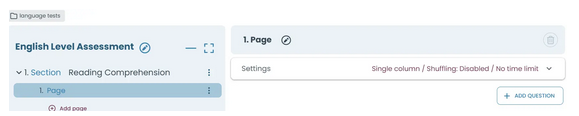
Layout defines how content is arranged on a page. You can choose between single and double column structures to organize sections clearly and present information in a balanced, readable way.
Published 2026/04/15
1. Layout
Layout affects only how content is visually arranged on the page and does not affect how the page behaves.
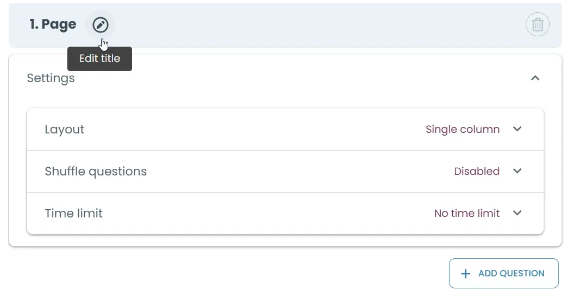
1.1 Single Column
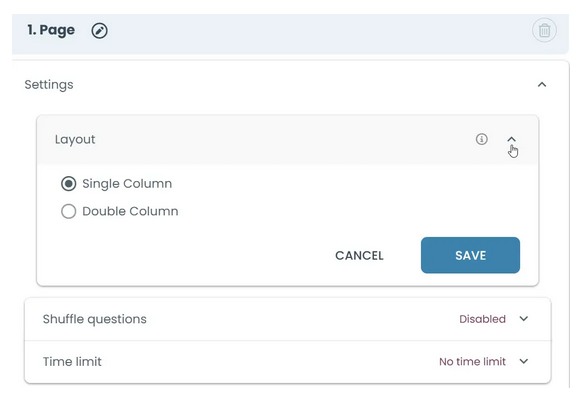
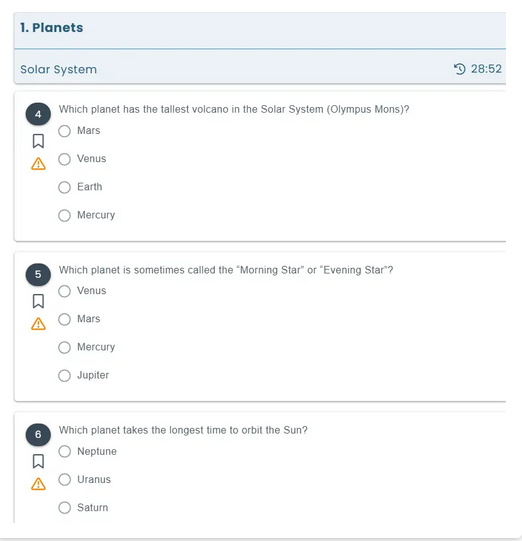
1.2. Double column layout (content is required)
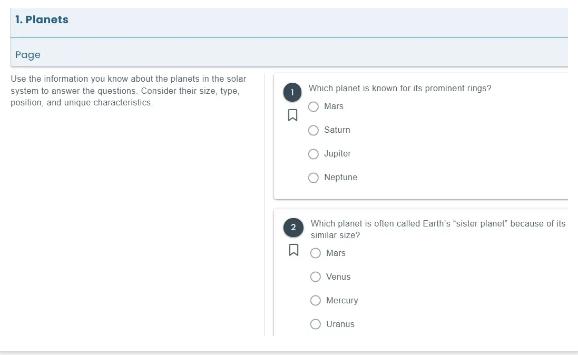
Splits the page into two areas: one for content and one for questions.
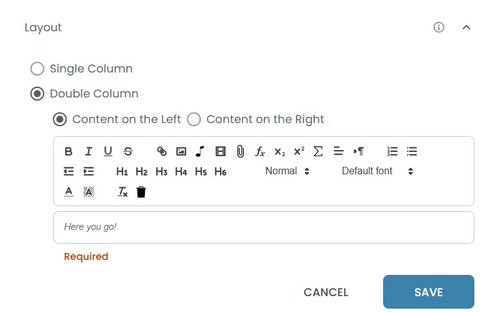
You must enter content, which stays visible while answering questions.
You can choose where the content appears (left or right).
It is useful when
- Questions depend on a shared text, image, or instructions
- You want candidates to see content while answering
- You want to avoid switching between pages
Multi-column → content placed side by side