Team Collaboration
Collaborate securely with role-based access, user management, and organizational controls.
Work together securely by creating teammate accounts, assigning roles, and controlling access across your assessment operations. Give each team member the right level of visibility and responsibility while maintaining complete control over your organization's assessment processes.
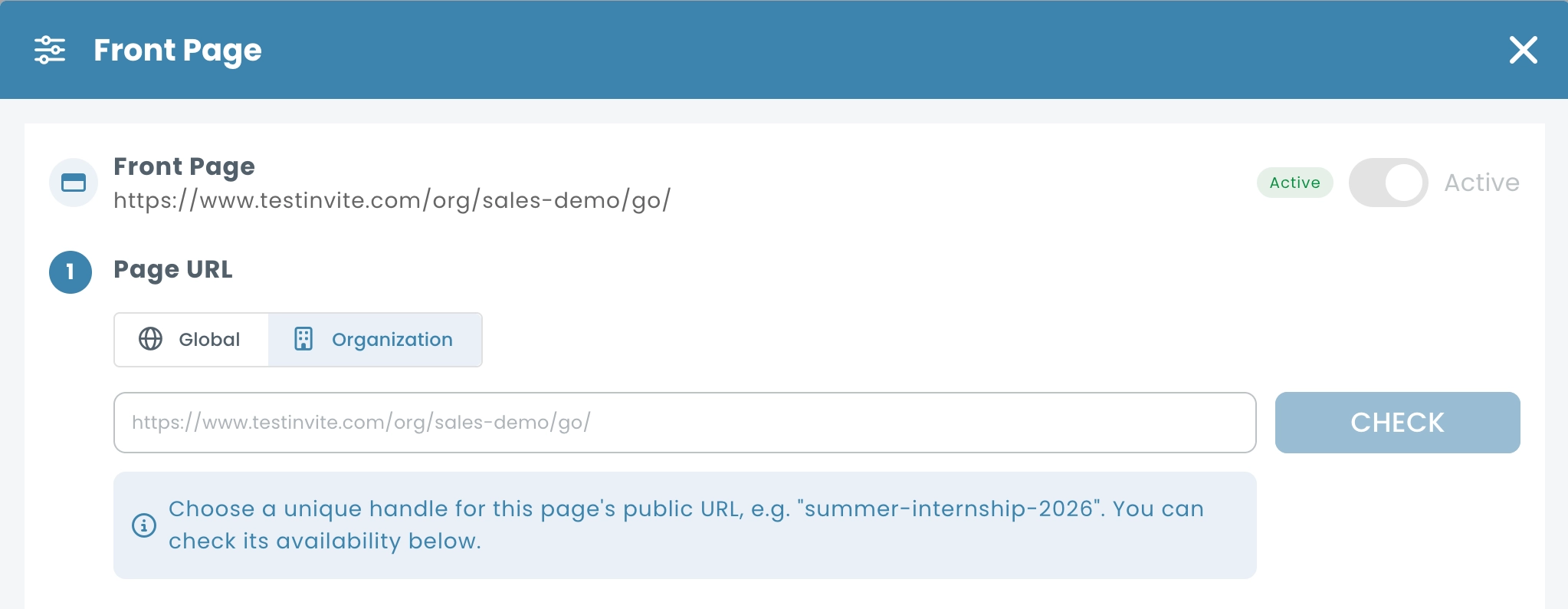
Create a Branded Organization Login Experience
Provide team members with a dedicated login environment tailored to your organization. Customize your organization's login URL, display custom sign-in messages, and define self sign-up rules to control how new users join your workspace.
Create Dedicated Accounts for Every Team Member
Invite colleagues to your organization and provide each teammate with their own account and login credentials. Enable teams to collaborate within a shared environment while maintaining individual access, activity tracking, and account management.
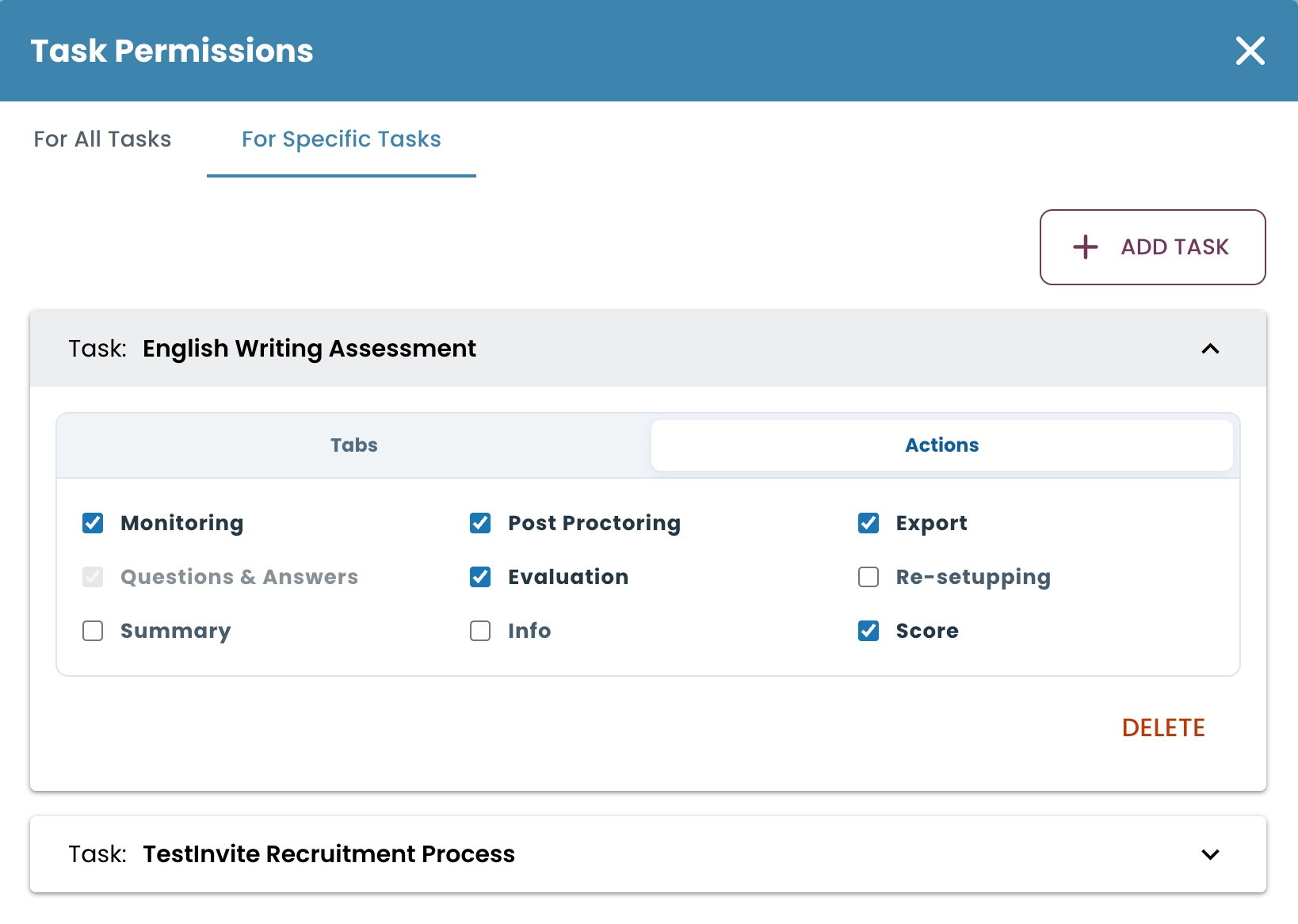
Configure Granular Permissions
Control access to specific assessments, folders, modules, and administrative functions, while determining exactly which actions each user can perform. Create secure collaboration environments where every teammate has access only to the resources and responsibilities relevant to their role.
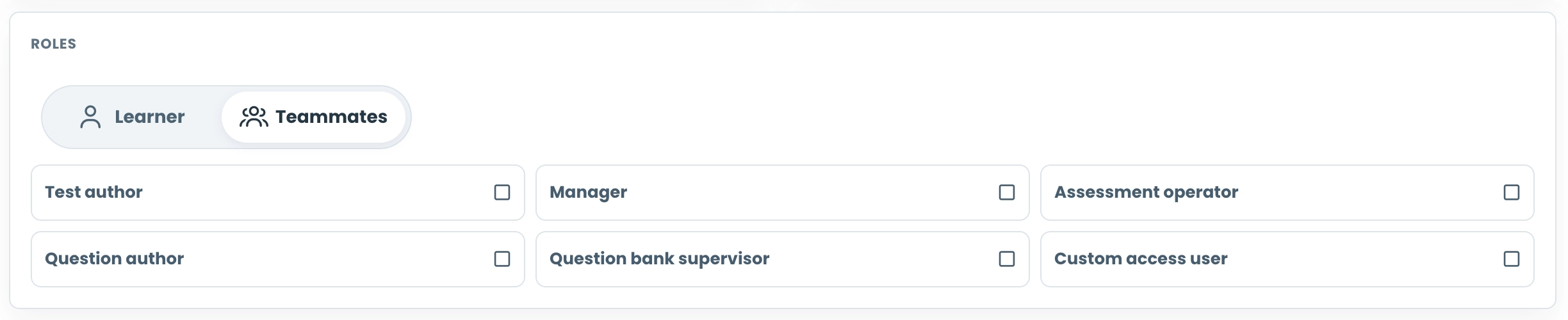
Assign Roles Based on Responsibilities
Distribute work efficiently by assigning role-based access to different team members. Whether users are responsible for authoring questions, managing assessments, monitoring candidates, evaluating responses, or reviewing results, roles help ensure that every teammate has access to the tools they need.
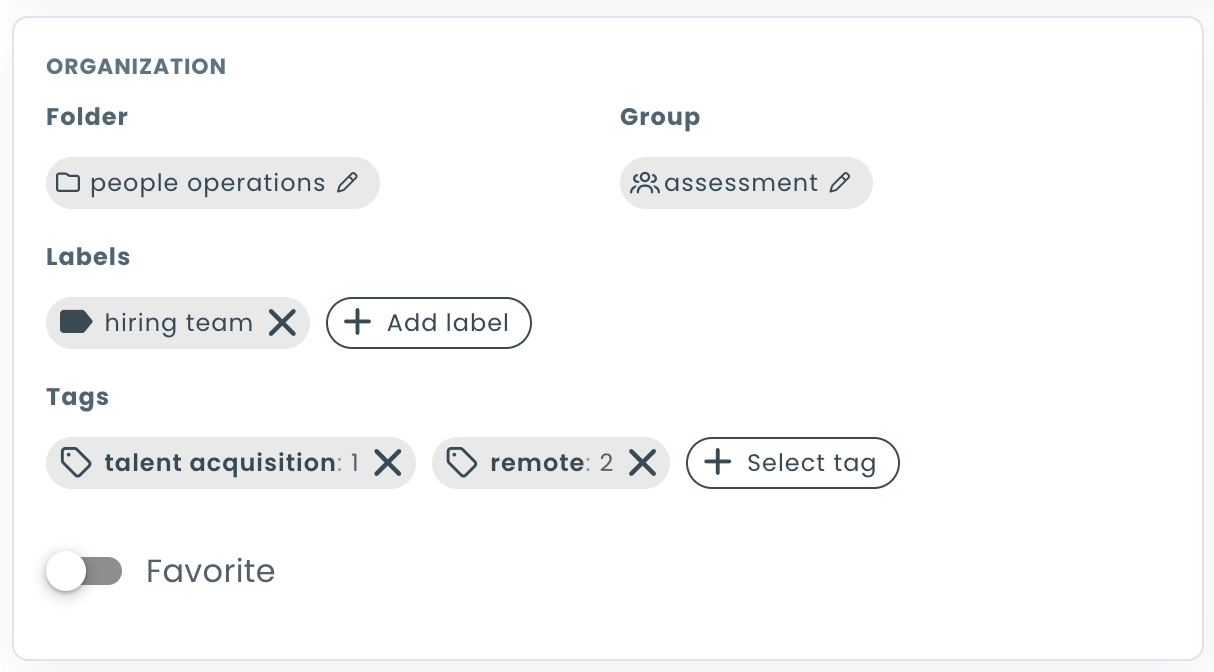
Organize Teams with Folders and Tags
Keep growing teams organized using folders, tags, and filtering tools. Quickly locate specific teammates, group users by department or responsibility, and simplify team management across large organizations.