Assessment Administration
Deliver, manage, and monitor assessments from a centralized workspace.
Configure and manage every aspect of the assessment process from a centralized workspace. Build multi-test workflows, manage participants, control assessment delivery, and maintain assessment integrity through proctoring and anti-cheating controls.
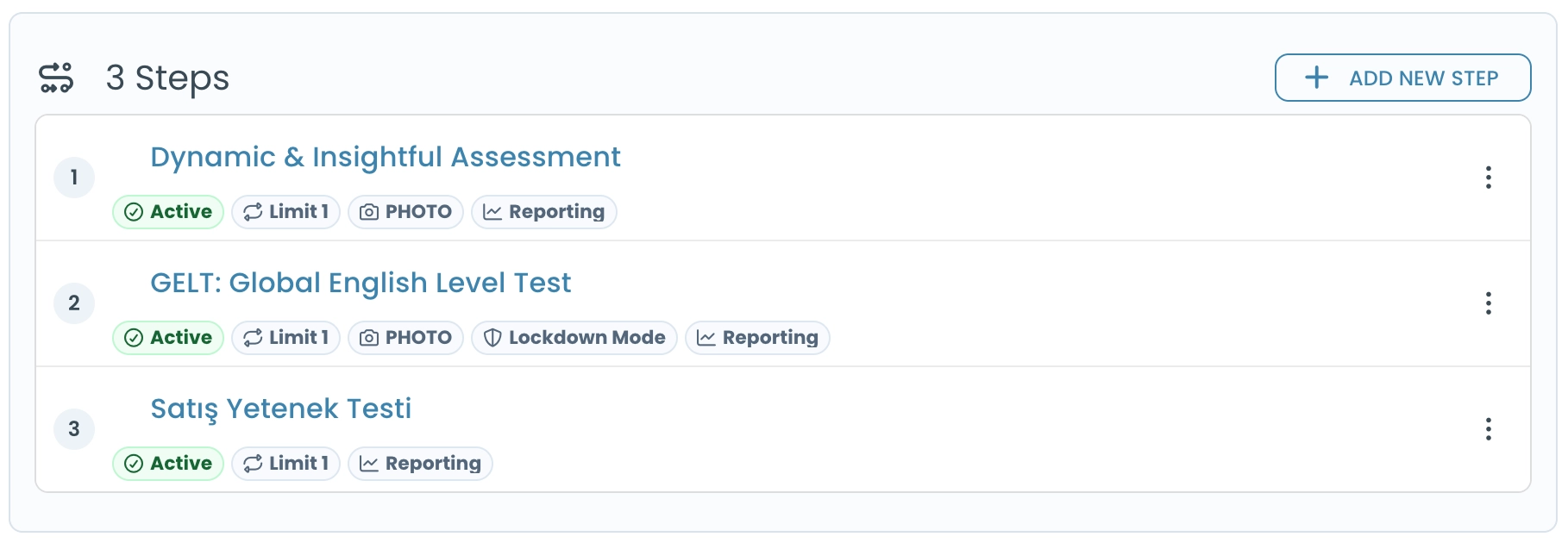
Build Custom Multi-Test Workflows
The process can be designed to include a single test or a series of tests, with conditional advancement for candidates who exceed preconfigured scores.
Monitor Assessment Process
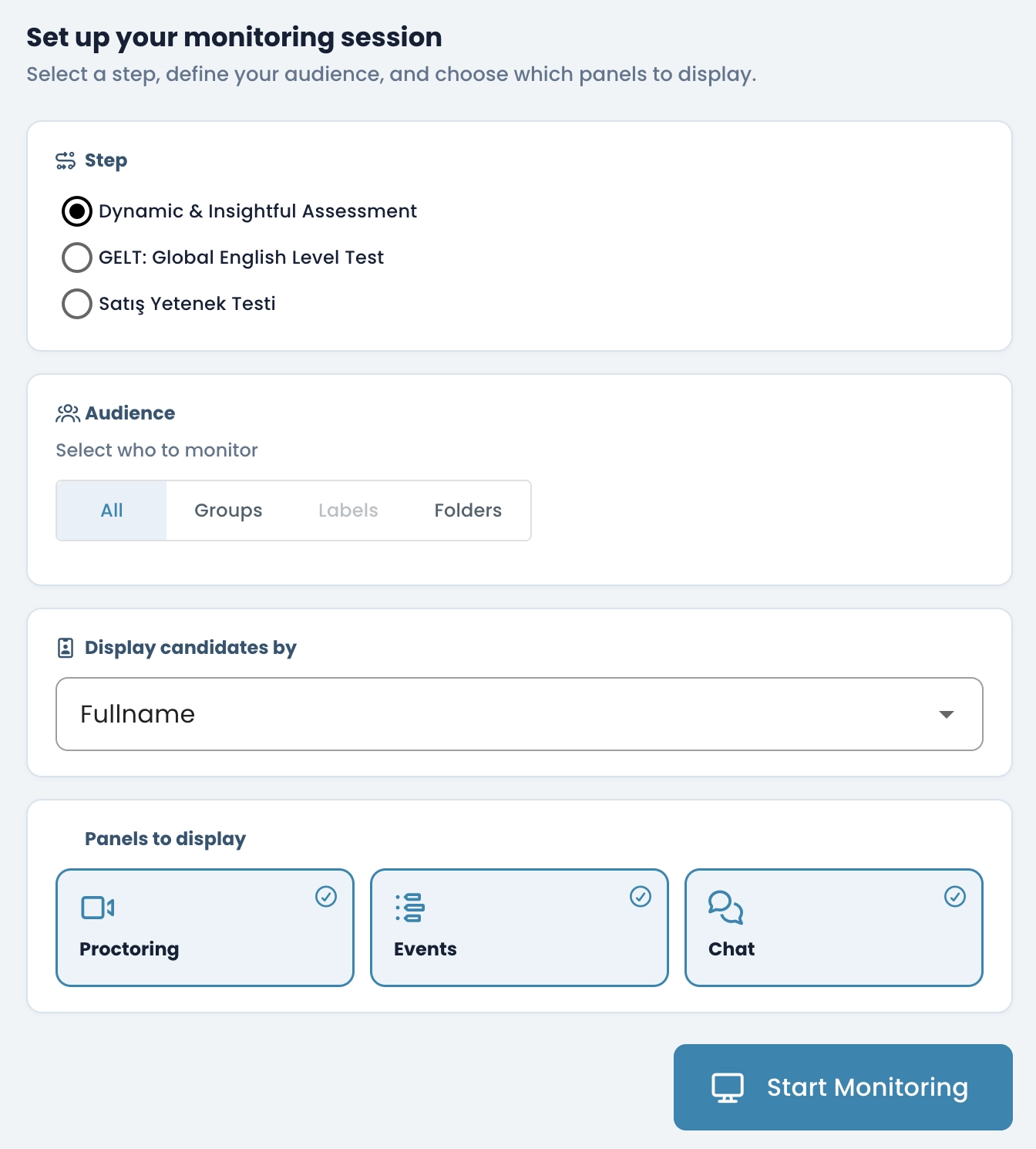
Monitor test sessions in real time, track candidate activity, communicate with participants when needed, and take immediate actions during ongoing assessments. Review detailed session information, monitoring records, and participation data to maintain oversight throughout the assessment process.
Flexible Candidate Registration
Add participants individually, import large groups in bulk, enable self-registration through custom registration forms, or restrict participation to selected audiences only.
Manage Participant Profile Data
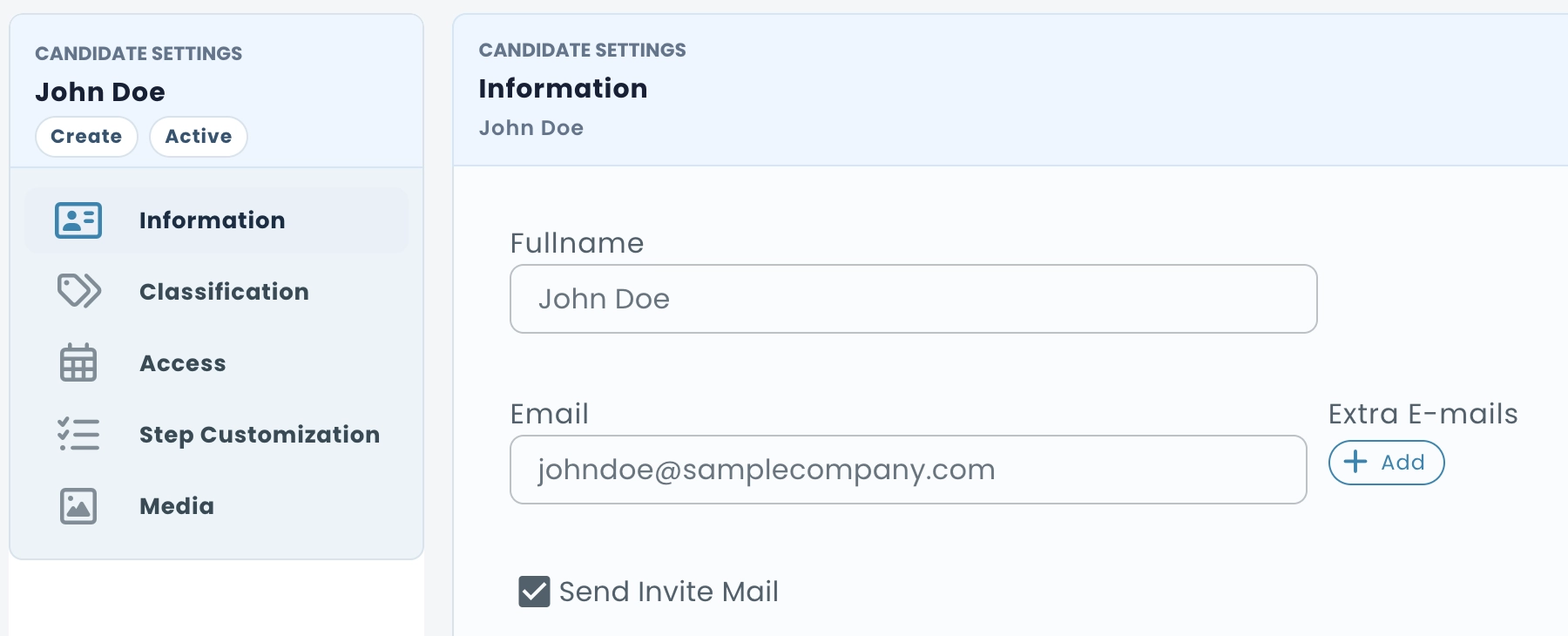
Create custom participant properties and control which information is collected and stored for each participant. Capture organization-specific data such as age, education, department, location and other custom attributes.
Collect Custom Candidate Data
You can gather additional information by creating custom forms for test-takers to complete, define new data fields for the system to store, and fully control what candidate details are collected and how they’re captured.
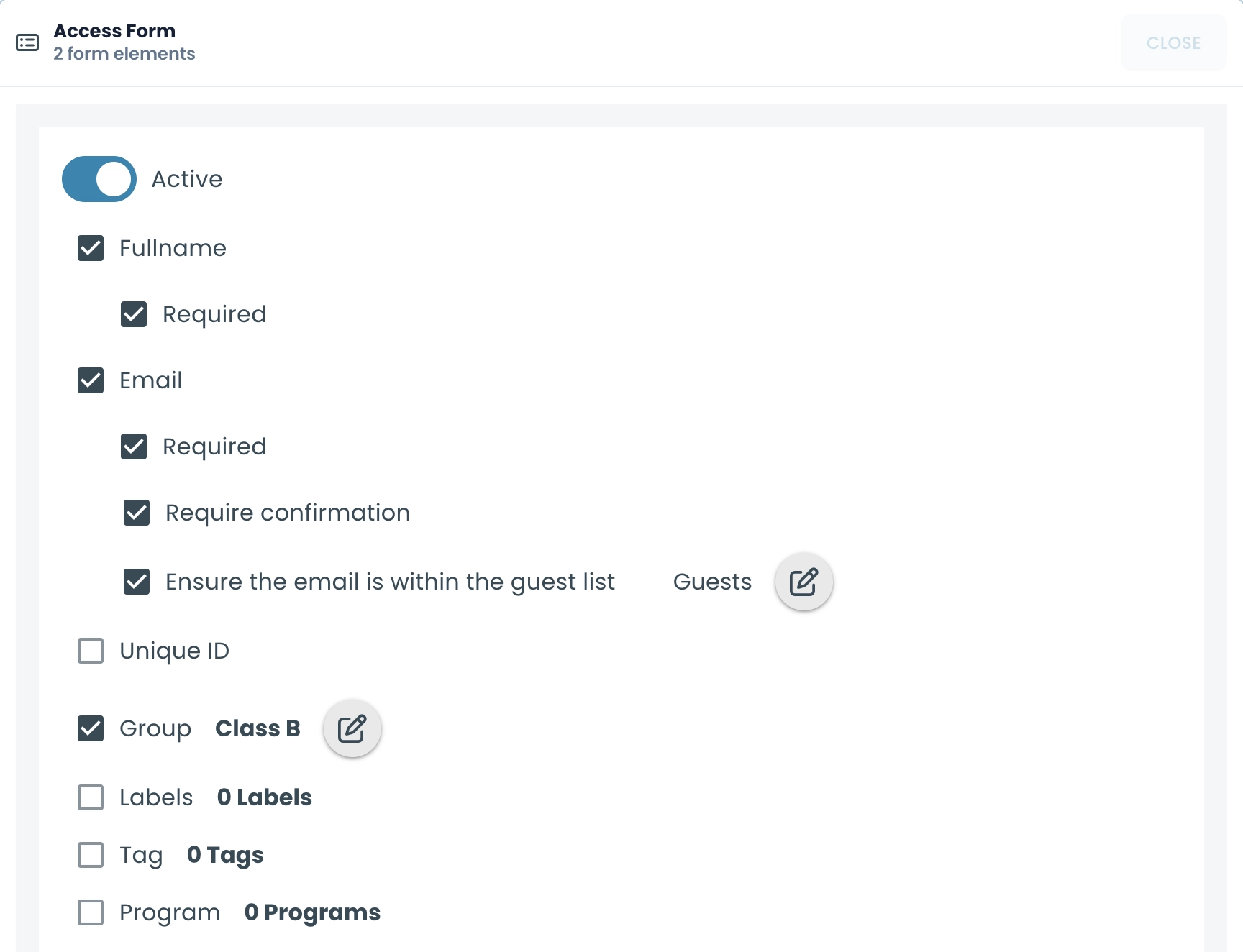
Control & Secure Candidate Access
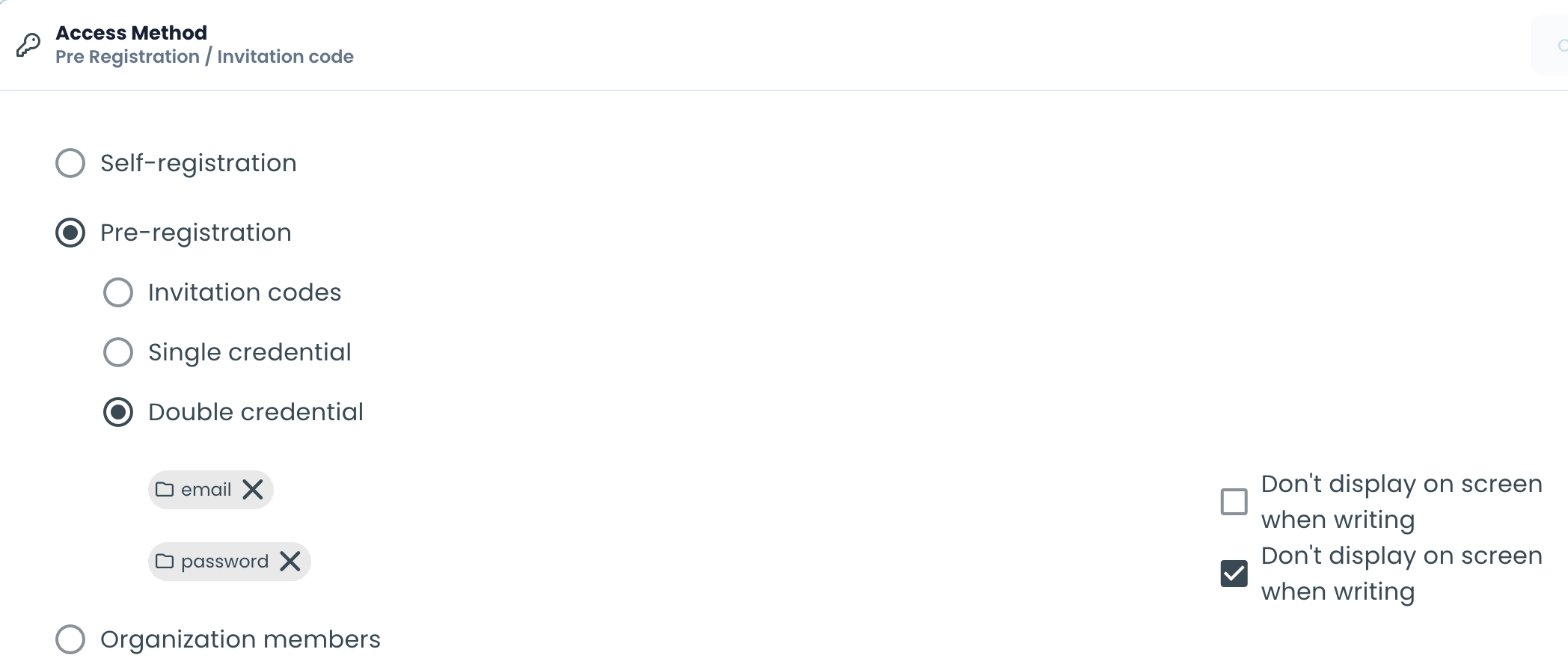
Allow open access, require invitation codes, protect assessments with passcodes, or issue personalized credentials for each candidate. With flexible access settings, you can control who can enter, when they can participate, and under what conditions assessments can be taken.
Schedule Dates & Times
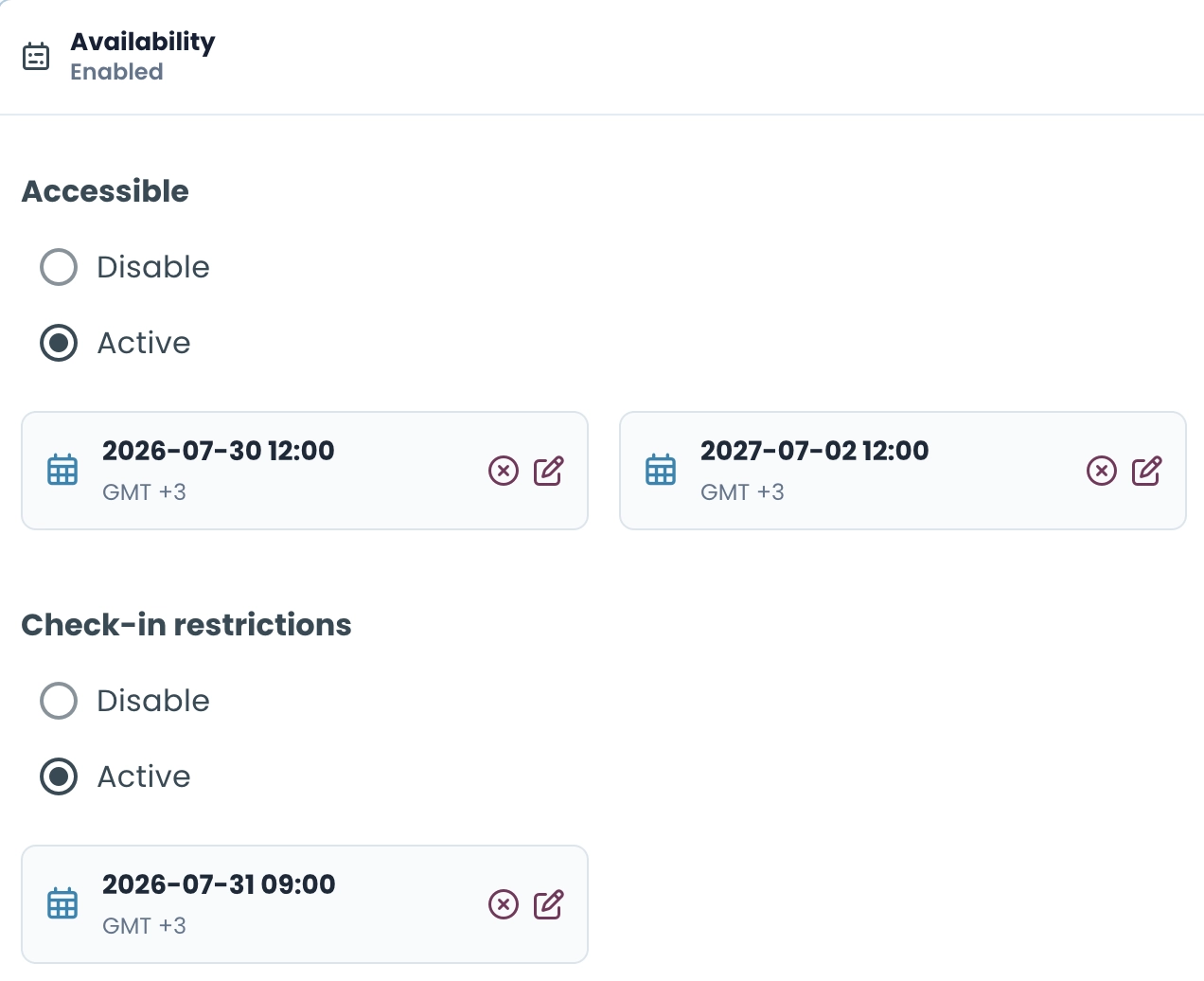
Set precise availability windows for your assessments with flexible date controls, and easily customize access exceptions for individual candidates when needed.
Invite Candidates and Track Participation
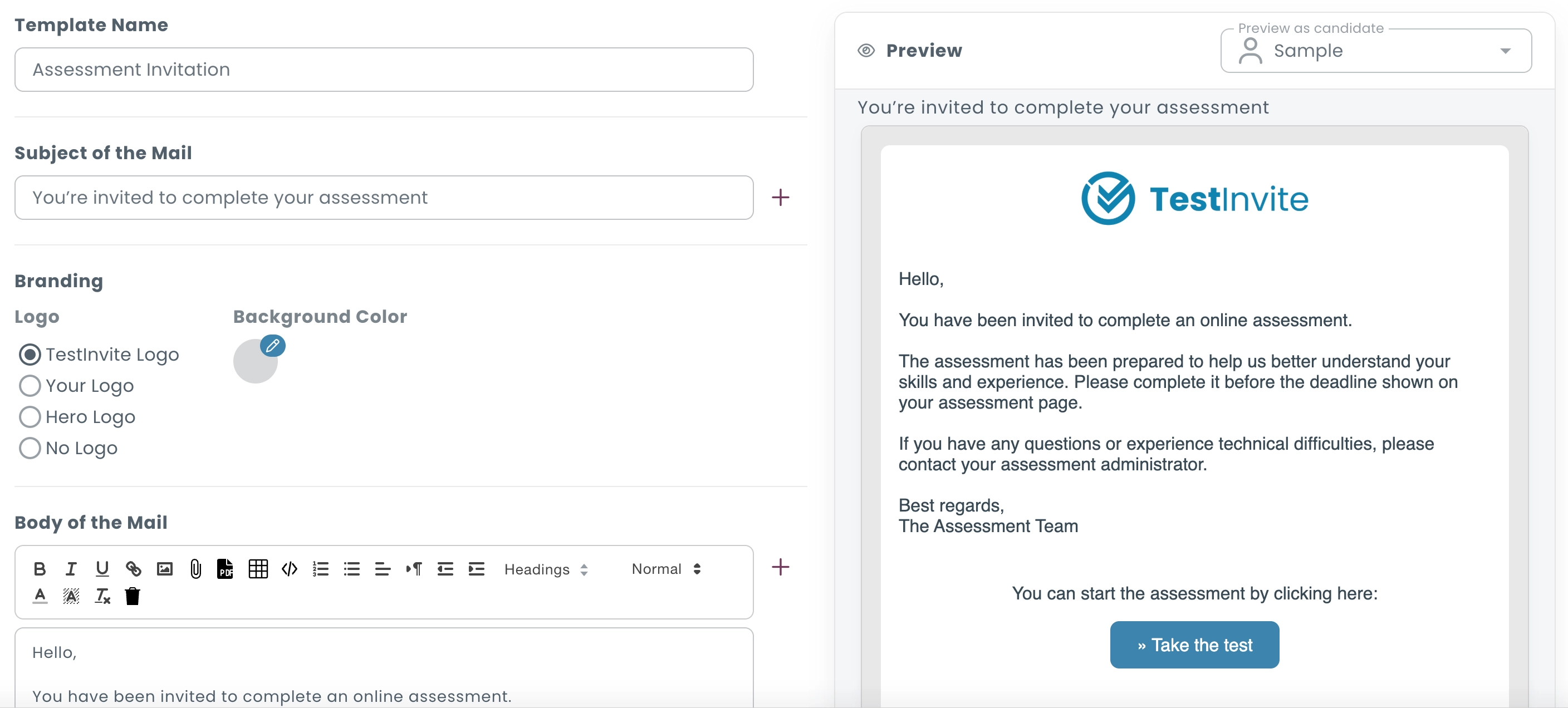
Send branded assessment invitations and reminder emails, customize email content and appearance, and monitor delivery and response status throughout the assessment process. Automatically follow up with candidates when additional communication is needed.
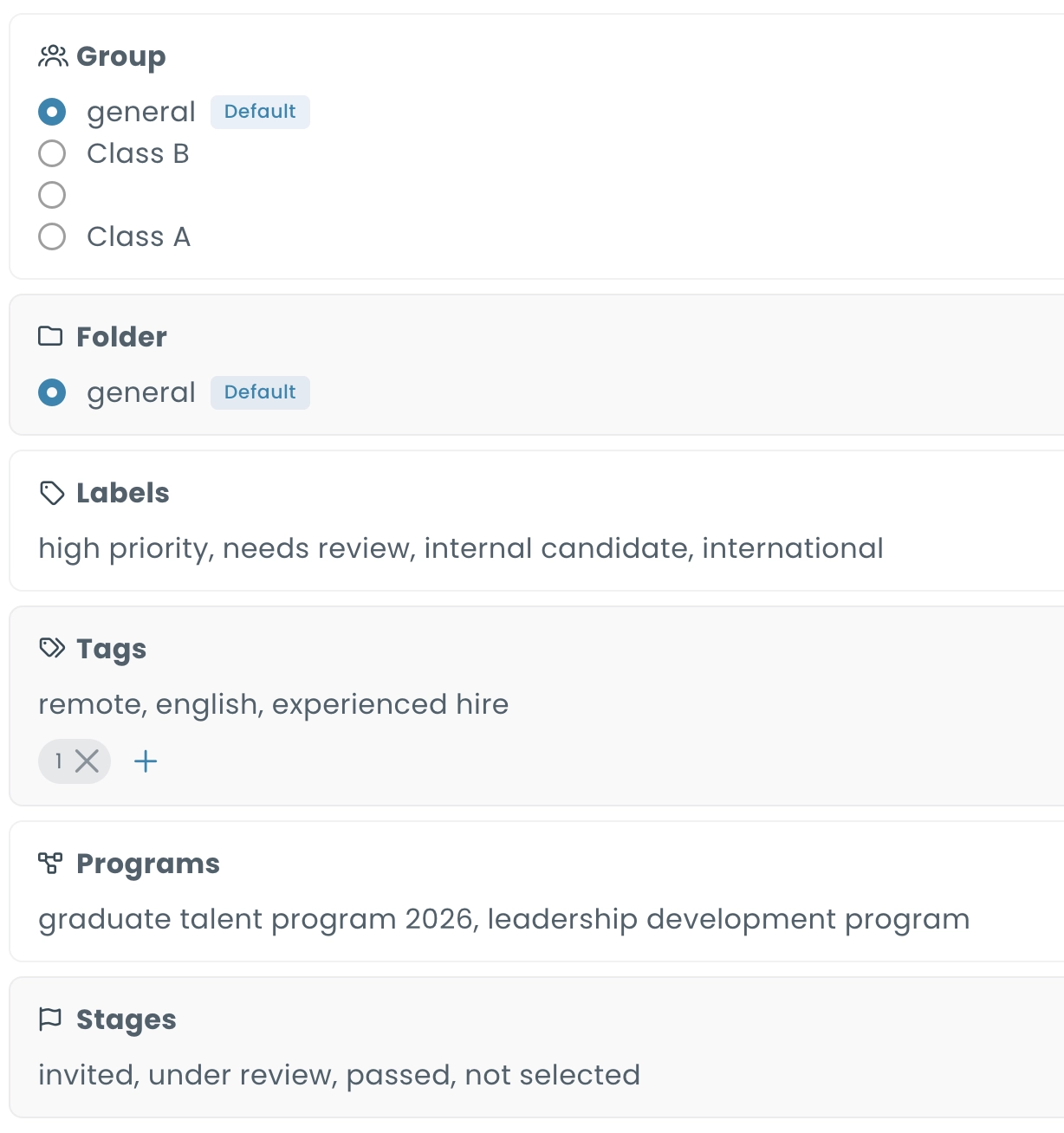
Organize Candidates with Tags & Stages
Organize and segment your candidates using tags, labels, stages, and other customizable categories, giving you complete control over how you track, filter, and manage participants throughout the assessment process.
Create a Branded Candidate Experience
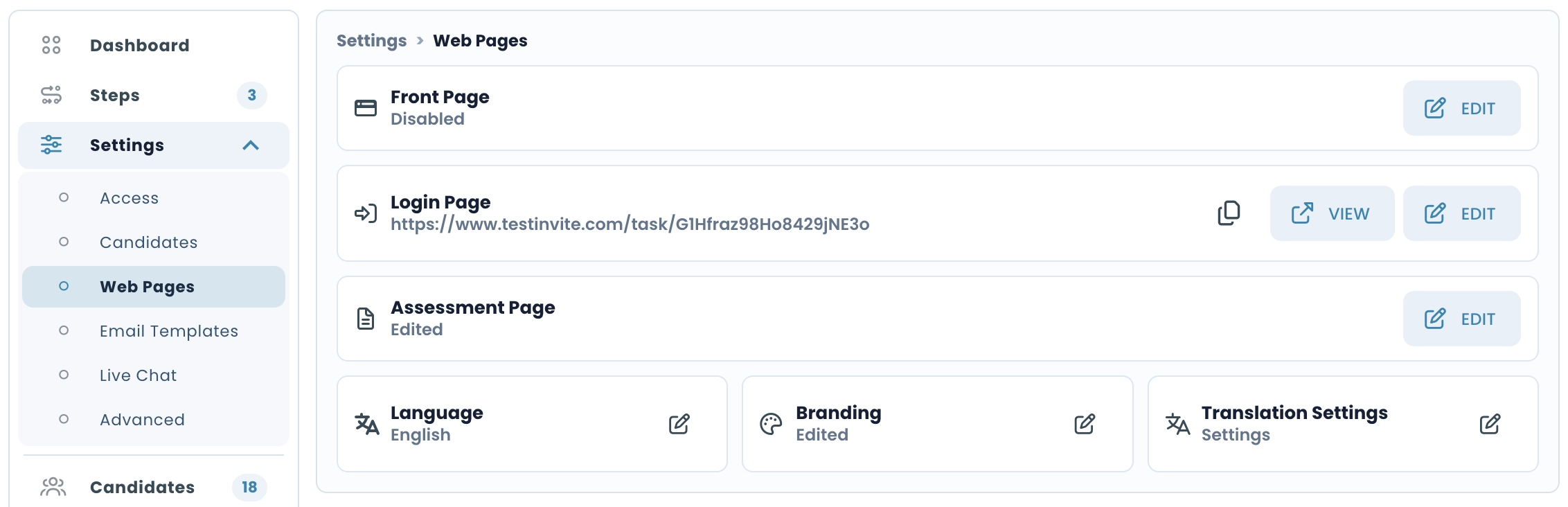
Customize the front page, login page, and assessment page, apply your branding, and control private chat availability to create a consistent assessment experience tailored to your organization.